
2.6 KiB
2.6 KiB
RLCraft Minecraft 1.12.2 Docker(Portainer) + Client Setup
Client Set-up
Download CurseForge
- Visit CurseForge and download the standalone version
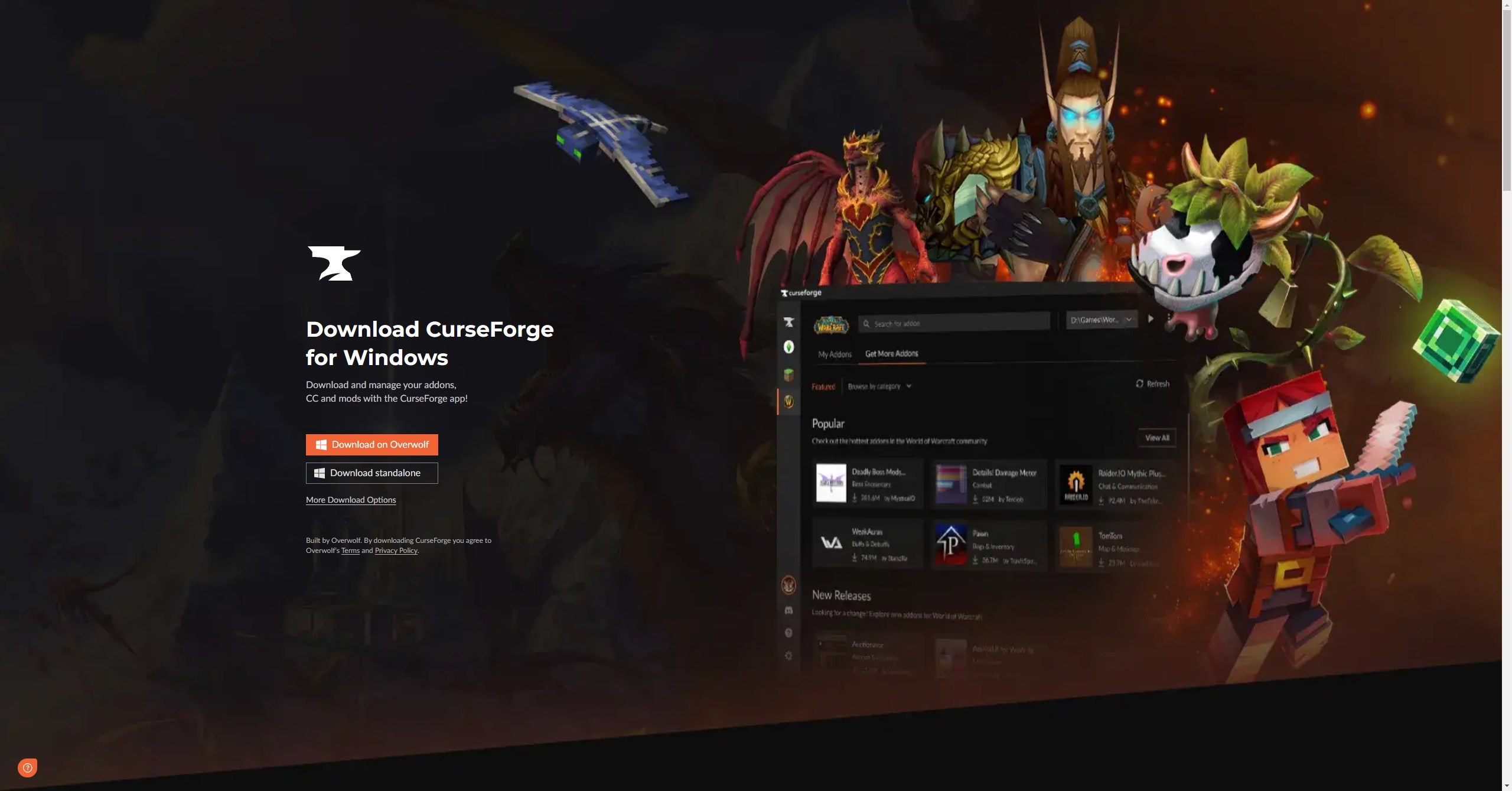
- Run through the installer with standard options unless you intend to run a custom install.
- Open the curseforge application.
- In the search bar at the top, search for
RLCraftand clickInstall.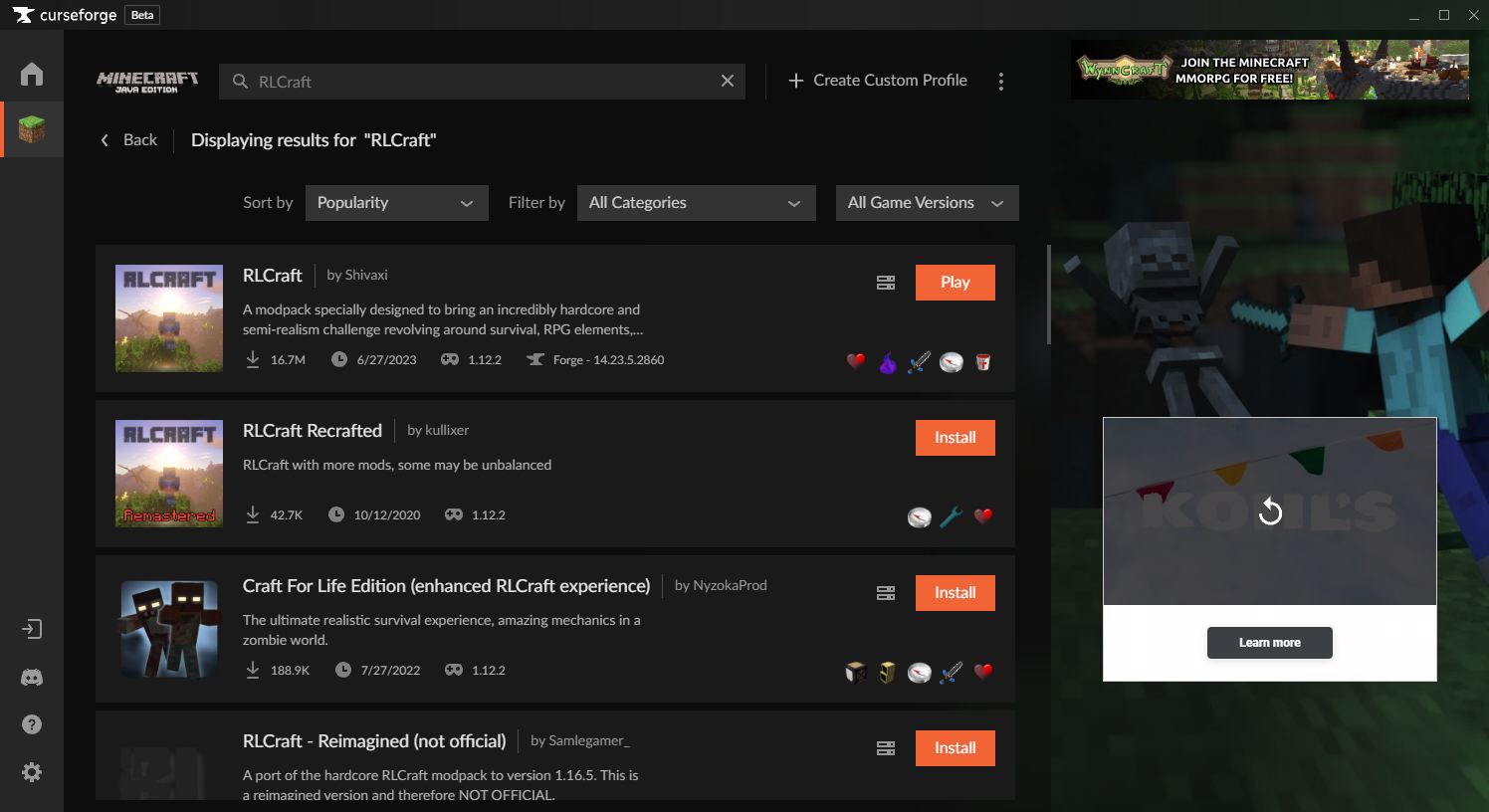
- Once installed, go to the mod install folder by using the 3 dots.- Find the"mods"folder and delete a file calledLootTweaker, this will remove any conflicts with the server.- Removing the mod breaks the recipes, no longer needed to join the server when using the serverpack from curseforge.
- Click play and sign into your Microsoft account(You can close curseforge after launching).
- Visit the mod folder
- Agree to the terms and conditions(Microsoft gives warnings because it doesn't support the latest security measures in old version of Minecraft).
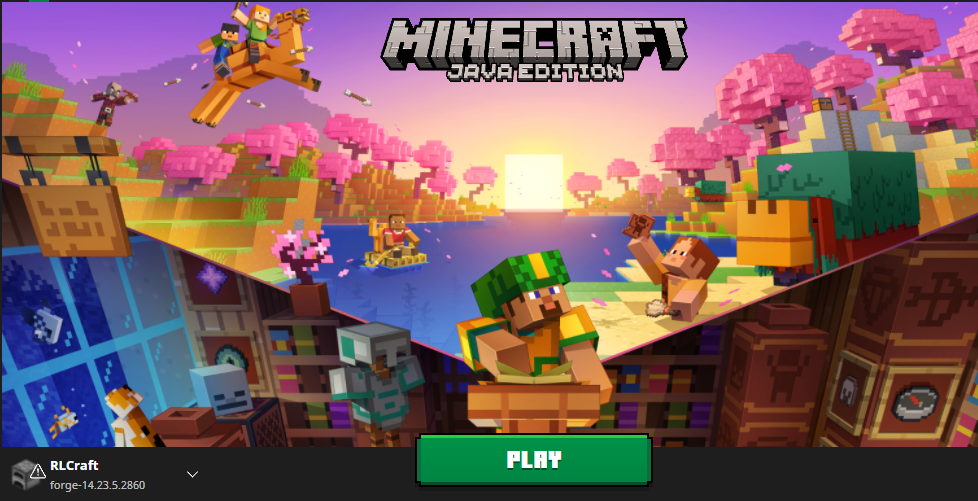
- Click Play and join the Server through multiplayer and the domain name/IP address(Takes awhile to load).
- You can add a port at the end of the domain name if it's using a custom port
<YourDomain>:<port>.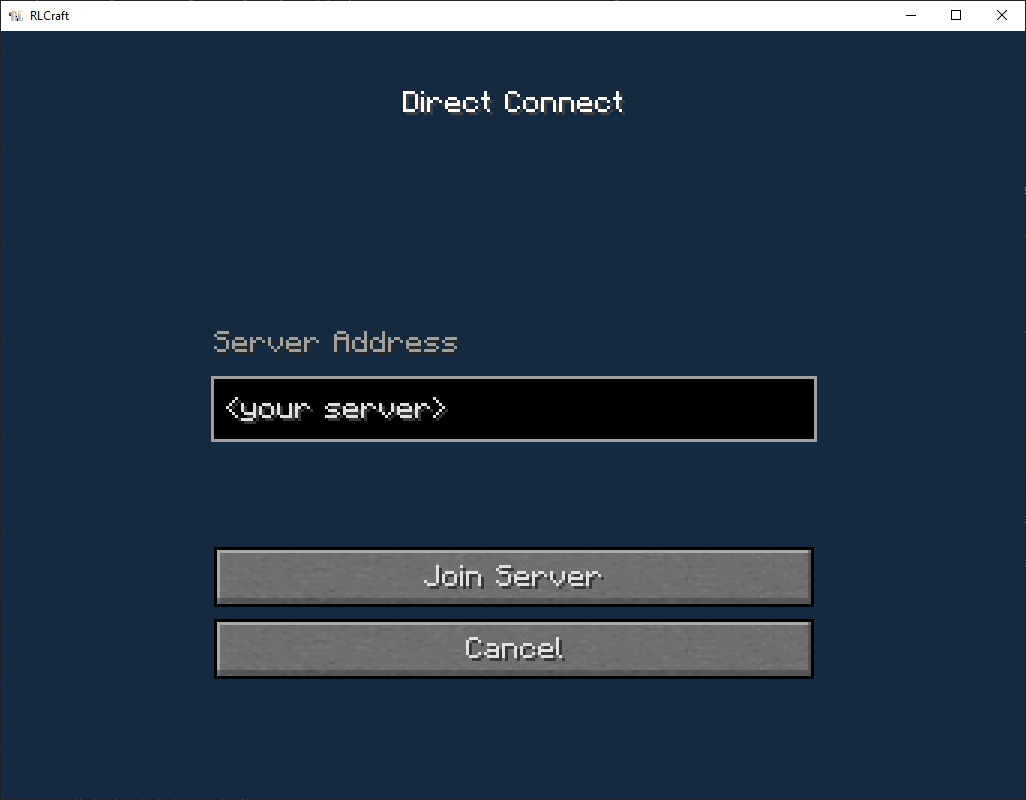
- In the search bar at the top, search for
Server-Side Setup With Portainer
- YAML File for ease of setup
version: '3.7'

services:
  minecraft:
    image: itzg/minecraft-server:java8
    container_name: rlcraft
    environment:
      EULA: "TRUE"
   #  ENABLE_WHITELIST: "TRUE" # Optional
   #  ENFORCE_WHITELUST: "TRUE" # Optional
      MEMORY: 4G # Set to preferred amount, 4G minimum for modded server
      TYPE: FORGE
    # OPS: "Your Minecraft Name" # Set up initial admins EX:["admin1", "admin2",...]
      VIEW_DISTANCE: 10
      VERSION: 1.12.2 # MC version for RLCraft
      FORGE_VERSION: 14.23.5.2860 # Correct Forge version for MC 1.12.2
    volumes:
      - /your/data/directory:/data # Replace with your directory
    ports:
      - "25565:25565" # Change first value if you want to run multiple servers Ex:"25585:25565"
- After the server has been setup, the easiest way to get the mod running is by downloading the server files from curseforge
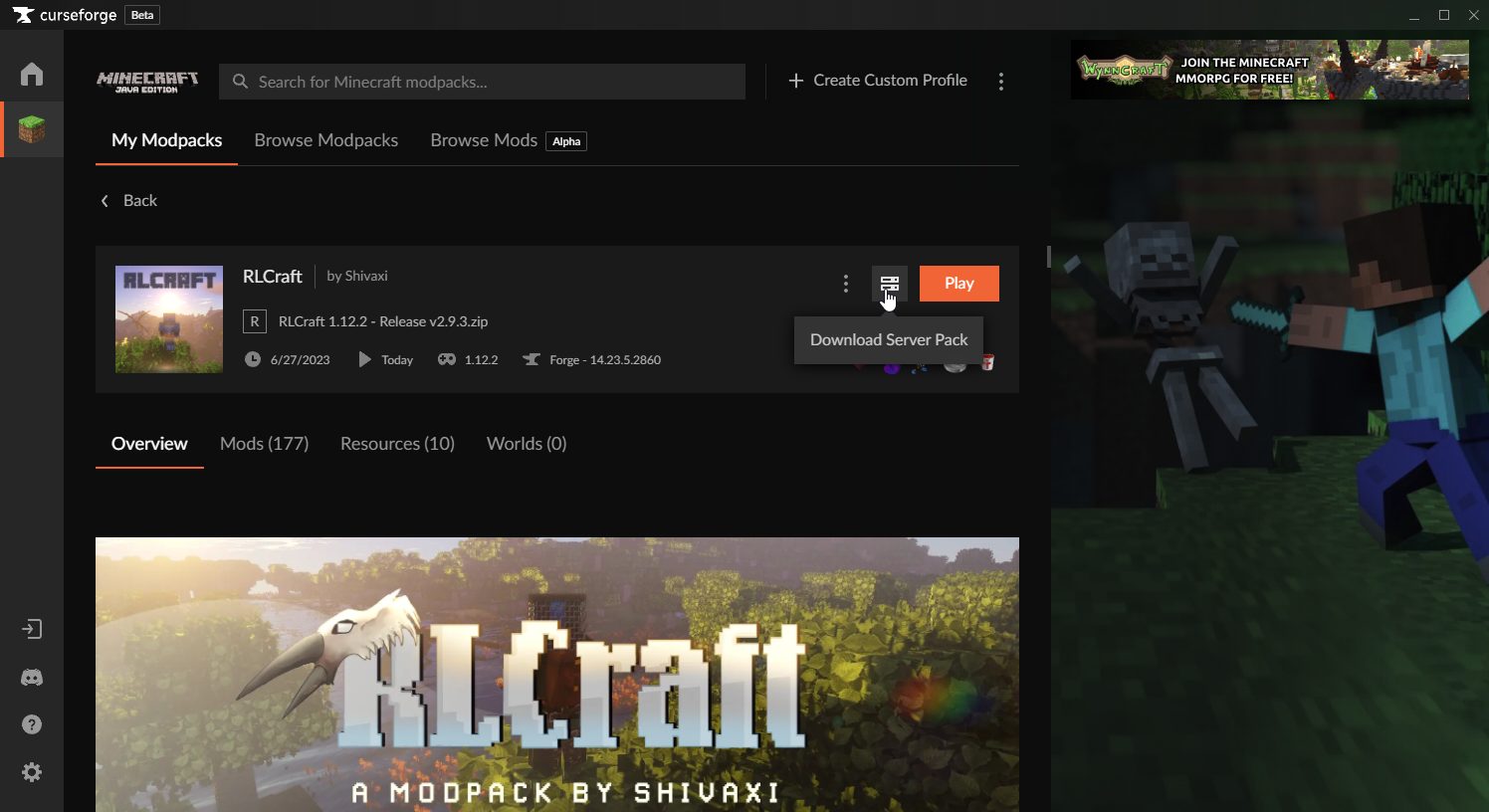
- Once downloaded, extract all of the files into the folder where the docker server is and overwrite them.
- To achieve this, I followed this written guide or this video in order set up a samba share and access the folder.